Does InQuizitive Track Your Tabs or Record You?
A second tab open to the textbook. A phone in your lap. It feels like it should get flagged. It can't be, once you understand what a browser tab is actually allowed to see.

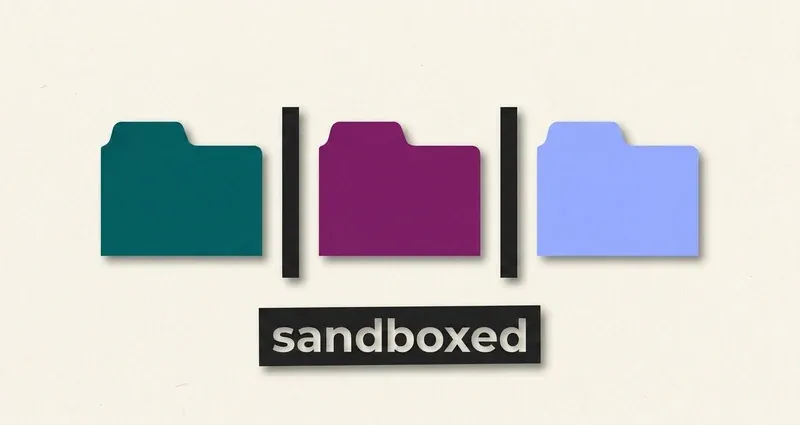
No. And here's the boundary
InQuizitive does not track your tabs, does not record your screen, and does not use your camera.
Nothing in Norton's student documentation describes any of it, and there's no proctoring layer bolted on to provide it: InQuizitive isn't proctored at all. It's an ordinary web page in an ordinary browser tab.
That last sentence is doing more work than it looks like. It's the actual reason, not a reassurance.
What "an ordinary web page" means technically
Browsers isolate websites from each other. Deliberately, and by default. A page loaded from one origin cannot read the contents of a page loaded from another, cannot enumerate your open tabs, cannot see your other windows, and cannot reach the applications running on your computer.
That isolation is the foundation of browser security. If any website could inspect your other tabs, every website would: your bank, your email, your messages would all be readable by whatever ad-supported page you had open in the background. So browsers don't allow it, to anyone, including Norton.
InQuizitive is subject to exactly the same sandbox as every other site you visit. Not because it's been nice about it, but because it has no choice.
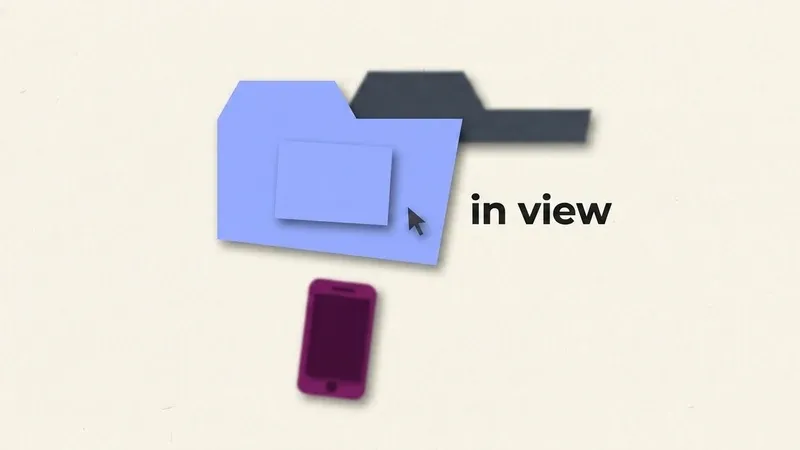
What a page genuinely can observe
To be honest rather than merely comforting, here's what any web page is able to notice about you. This is not InQuizitive-specific and there's no evidence InQuizitive uses any of it for monitoring, but you should know the shape of the boundary.
Whether its own tab is focused
It can tell when it becomes hidden or visible. Nothing about what you looked at instead.
Interactions inside its own window
Clicks, keystrokes and drags aimed at that page, which is how InQuizitive's feedback corrects you after each one.
Timing of its own events
When you started a question, when you answered it. Nothing about your machine in between.
Basic connection metadata
IP address, browser and operating system: the same information every website receives on load.
A page can tell that you looked away. It has no way to know what you looked at.
That's the ceiling. Notice what's absent: the content of anything outside its own window.
Nothing suggests InQuizitive uses even this
Norton's documentation describes InQuizitive as adaptive practice: it tracks your answers to choose your next question and to compute your score. That's a pedagogical use of interaction data, not surveillance. There is no documented tab, window or focus monitoring, and no proctoring layer to report it to.
What it definitively cannot see
- The contents of any other tab or window. Sandboxed.
- Other applications on your computer.
- Your screen or a second monitor. Screen capture requires an explicit permission prompt you'd see and grant. InQuizitive doesn't ask.
- Your camera or microphone. Same: a permission prompt is mandatory, and there isn't one.
- Your phone, your notes, or the book on your desk.
- Browser extensions installed on your machine.
Why the question comes up at all
Two reasons, and both are worth untangling.
Confusion with proctored exams. Real proctoring tools (locked-down browsers, webcam monitors) genuinely do this, and students who've met one for a final exam reasonably assume the coursework platform might too. It doesn't. Those are separate products a school deliberately adds for specific high-stakes assessments, and InQuizitive isn't one of them.
A misreading of the adaptive engine. InQuizitive feels observant, because it is observant, of your answers. It knows you keep missing questions about the commerce clause and gives you more of them. It notices five wrong in a row and shows you a Take a Break screen. That's attentive, and it's easy to experience as surveillance. But everything it's attending to is happening inside its own window, and it's being used to pick your next question.
Myths about tab tracking, debunked
Once you know the actual boundary, most of the specific fears turn out to be the same fear wearing different clothes.
Common misconceptions, debunked
- "Switching tabs resets my progress." It doesn't. The adaptive engine reacts to your answers, not your tab history.
- "My activity report shows timing, so it must track my other tabs too." Any timing InQuizitive records is timing of its own page, not what else was open at the same time.
- "My course is linked to Canvas or Moodle, so the LMS must be watching my screen." The LMS integration only passes your score back automatically. It isn't a channel for screen or tab data, because InQuizitive never collects any to send.
The part that actually affects your grade
Since the monitoring worry turns out to be empty, here's where your attention is better spent.
Your grade is the percentage of the Target Score you accumulate. Each question is worth 20 to 100 points depending on your confidence setting. Get one wrong first time and you only recover half the lost points. Five right in a row earns a bonus worth 5% of the target.
None of that is about being watched. All of it is about certainty. And the students spending three hours on a chapter activity aren't losing to detection. They're losing to hedging at 20 points a question. See how InQuizitive is graded and the confidence slider explained.
A note on "stealth" features
Some InQuizitive tools advertise timestamp randomisation and pacing simulation, to make a session look naturally slow.
Given everything above, those features defend against monitoring that isn't there. They cost you real time to defeat an imaginary threat, and they leave the actual problem (that guessing makes the activity longer) completely alone.
QuizSparrow takes the other approach: one click runs the whole activity at full confidence toward the Target Score, with the reasoning shown alongside if you want it. Nothing to hide, because there's nothing watching. Just a shorter activity and a slider that's already at 100 with a reason behind it.
Frequently Asked Questions
Can InQuizitive tell if I switch tabs during an activity?
It can tell that its own tab became hidden and later visible again, since that's a basic capability every web page has. It cannot tell what you switched to, and nothing in Norton's documentation suggests the signal is used for grading or monitoring.
If my course is linked to Canvas or another LMS, does that LMS see my screen?
No. The integration only passes back the score InQuizitive already reports on its own activity screen. It isn't a channel for tab, screen or webcam data, because InQuizitive never generates any of it.
Why does InQuizitive feel like it's watching me if it isn't?
Because it's genuinely attentive to your answers: it tracks which objectives you're missing, adjusts difficulty in response, and shows a Take a Break screen after five wrong answers in a row, all covered in how InQuizitive works. That attentiveness is real. It just never extends past its own window.